
Installation Guide
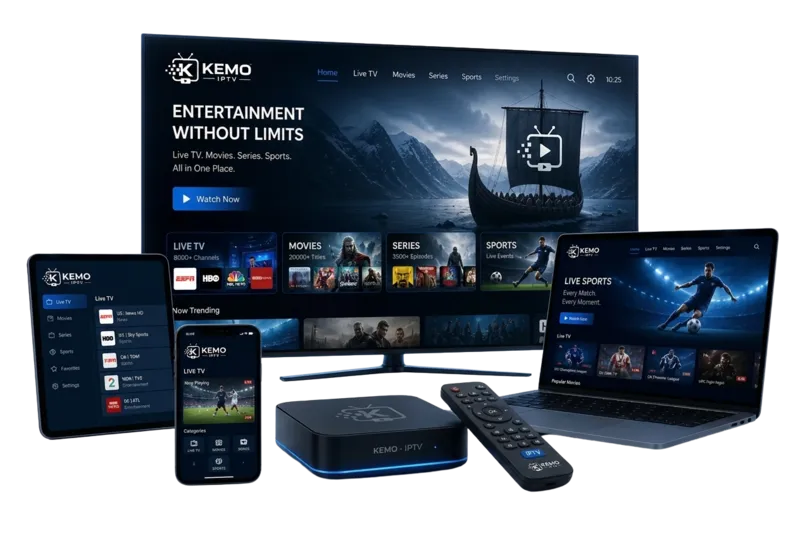
How to Install IPTV on Your TV (Android TV / Apple TV)
Welcome to KEMO IPTV! In this complete guide, you’ll learn step-by-step how to easily install an IPTV app on your Android TV or Apple TV. Experience seamless streaming and transform your TV into a complete entertainment hub.
Why Install KEMO IPTV on Android TV or Apple TV?
Modern Smart TVs and streaming boxes are built to provide an outstanding viewing experience. Through systems like Android TV or Apple TV, you can easily access your favorite apps like Netflix and Disney+, but also KEMO IPTV to watch thousands of live channels and VOD content.
With a reliable subscription from KEMO IPTV, you get:
-
International Channels from all over the world.
-
The Latest Movies & Series (VOD).
-
Streams in HD / Full HD / 4K quality.
-
A More Economical Alternative to traditional cable TV packages.
Which IPTV Players Should You Use?
Before installation, it’s important to know which app (player) to choose. These apps allow you to add your KEMO IPTV subscription (via M3U link or Xtream Codes).
For Android TV, we recommend:
-
TiviMate (The Best Choice for Android)
-
IPTV Smarters Pro
-
IBO Player Pro
-
Smart IPTV
For Apple TV (tvOS), we recommend:
-
IPTVX (Premium Experience)
-
Cloud Stream IPTV Player
-
GSE Smart IPTV
Steps for Installation on Android TV
-
Check Connection: Ensure your Android TV is connected to the internet.
-
Open Google Play Store: Go to the home screen and open the Play Store.
-
Search for the App: Type “TiviMate” or “IPTV Smarters Pro.”
-
Install: Select the app and click “Install.”
-
Open and Configure: Launch the app and enter your login details (M3U or Xtream Codes) provided by KEMO IPTV.
-
Enjoy! Start streaming your favorite channels instantly.
Steps for Installation on Apple TV
-
Go to the App Store: Open the App Store from your Apple TV menu.
-
Search for a Player: Search for “IPTVX” or “Cloud Stream.”
-
Download: Click “Get” and wait for the installation to complete.
-
Configure Subscription: Open the app and enter your unique link/credentials from KEMO IPTV.
-
Done! Your channel list will download, and you are ready to watch.
Why Choose KEMO IPTV for Your TV?
-
Perfect Compatibility with the most popular streaming apps.
-
User-Friendly Interface and easy navigation.
-
Unlimited Access to sports, movies, and series.
-
Best Picture & Sound Quality on the market.
-
Greater Flexibility – No binding contracts and better pricing.
Conclusion
Installing IPTV on your Android TV or Apple TV is fast and easy. By following these steps, you transform your TV into a powerful streaming device. With a subscription from KEMO IPTV, the best entertainment is always right at your fingertips!
Want to learn more? Explore our guides at KEMO IPTV to become a streaming expert in 2026!